
Empower your team to run surveys with AI feedback.
Overview
Sprig is a product experience platform that helps teams collect in-context user feedback through surveys, session replays, heatmaps, and AI-powered analysis. Use Hightouch to sync user attributes from your data warehouse to Sprig so you can target studies to the right audiences, filter responses by user properties, and keep your Sprig user profiles enriched with up-to-date data.
Supported syncing
| Sync type | Description | Supported sync modes | API reference |
|---|---|---|---|
| Users | Sync user profiles and attributes to Sprig | Upsert | V2 Users API |
For more information about sync modes, refer to the sync modes docs.
Connect to Sprig
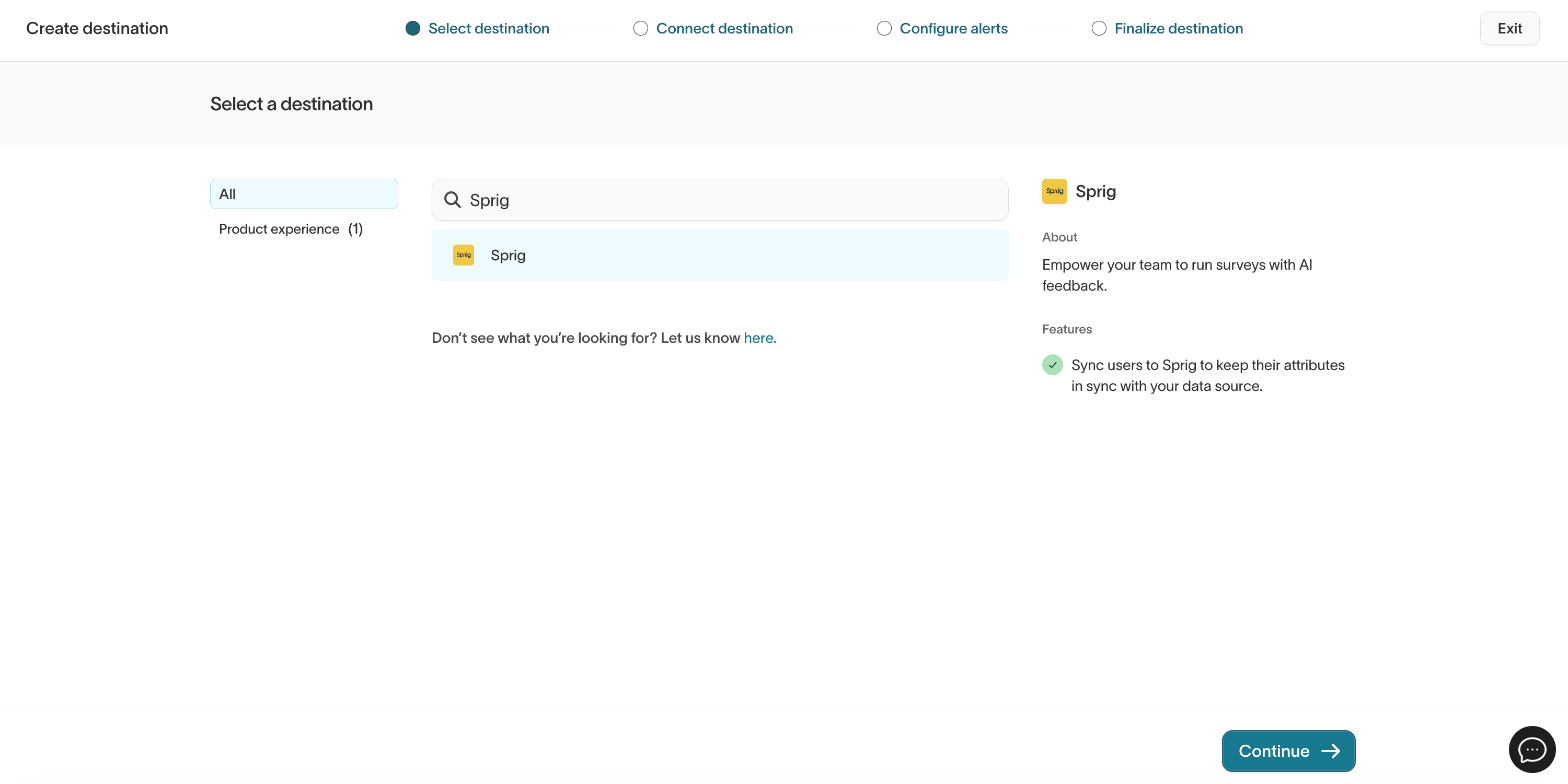
Go to the Destinations overview page and click the Add destination button. Select Sprig and click Continue.
API key
To authenticate, you need a Sprig API key. Sprig uses the Data Import API key for server-side integrations.
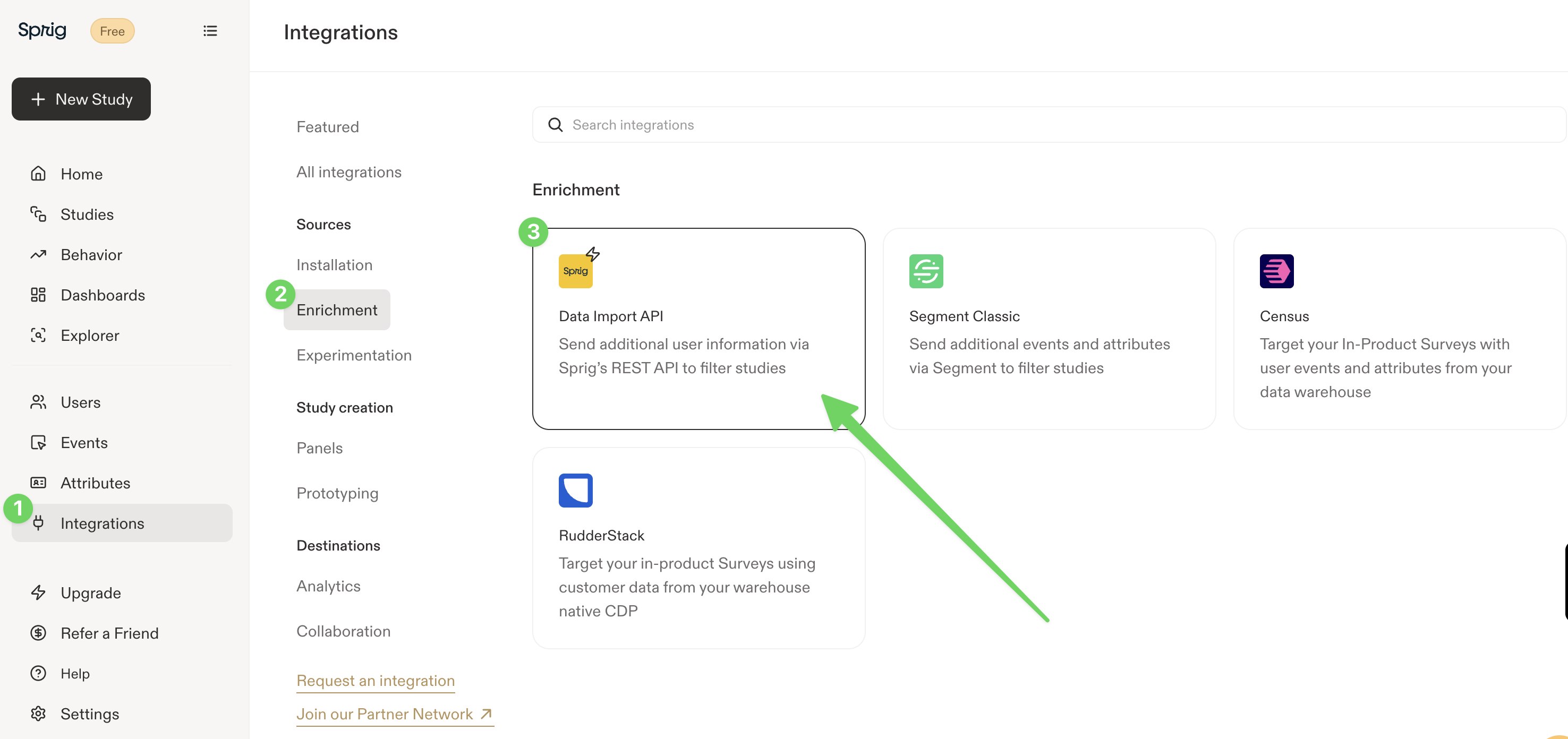
To find your API key in Sprig:
- In the Sprig navigation pane, click Integrations.
- Under Sources, click Enrichment.
- Click Data Import API.
- Copy the API key for the environment you want to sync to (Production or Development).
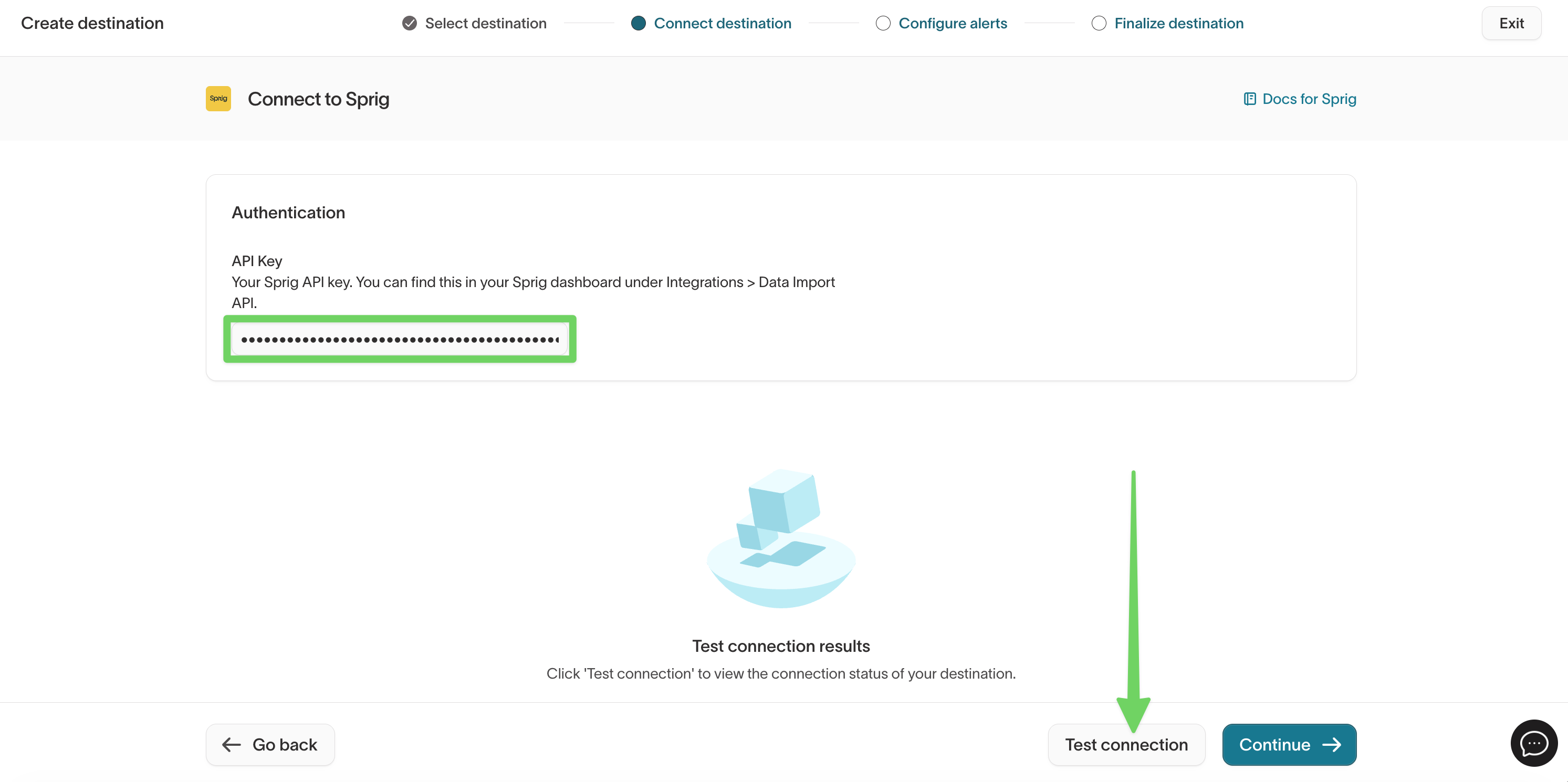
Paste your API key into the API Key field in Hightouch and click Test connection to verify the credentials.
Sprig provides separate API keys for Production and Development environments. Make sure you use the key that matches the environment you want to sync data to. Refer to the Sprig API documentation for details.
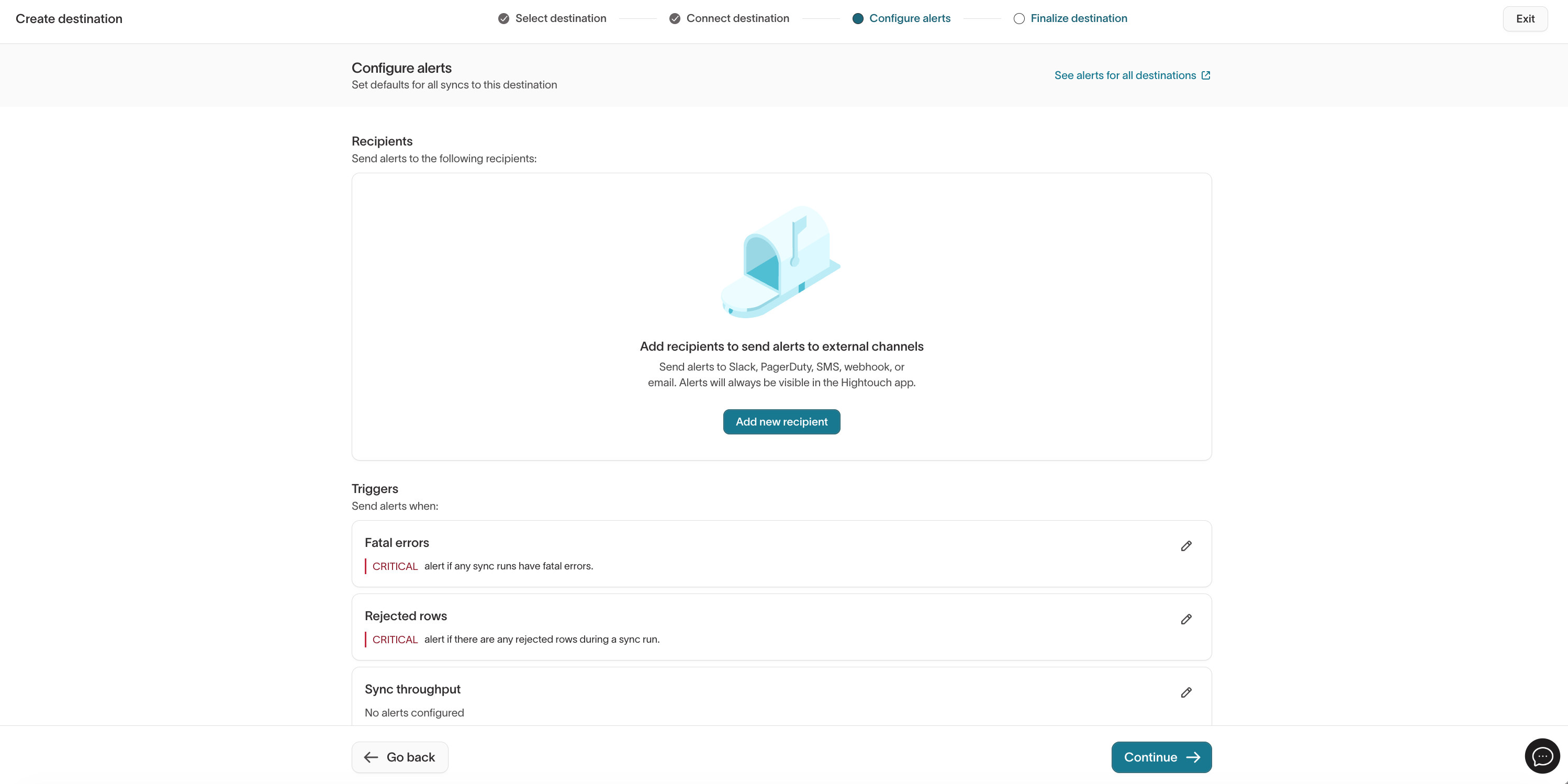
Configure any default sync alerts for this destination, then click Continue to finalize.
Sync configuration
Once you've set up your Sprig destination and have a model to pull data from, you can set up your sync configuration to begin syncing data. Go to the Syncs overview page and click the Add sync button to begin. Then, select the relevant model and the Sprig destination you want to sync to.
Syncing users
Sync user profiles and attributes to Sprig. Hightouch uses the Sprig V2 Users API to upsert user records. When a matching user exists in Sprig, Hightouch updates their attributes. When no match is found, Hightouch creates a new user profile.
Record matching
To match rows from your model to users in Sprig, select a model column to map to the Sprig User ID field. This is the unique identifier Sprig uses to track individual users across your product.
The User ID should be a stable, unique identifier for each user, such as an internal user ID or database primary key. This must match the User ID you use in your Sprig SDK installation so that synced attributes are associated with the correct user profiles.
Field mapping
Hightouch lets you sync user attributes via field mapping. You can map data from any of your model columns to Sprig user attributes.
Sprig supports attributes with string, numeric, and boolean values. Attributes synced through Hightouch appear in Sprig and can be used to:
- Filter study audiences: Target surveys and feedback prompts to users with specific attribute values.
- Filter study responses: Drill into collected responses based on user attributes.
Any attribute key you sync that doesn't already exist in Sprig is created automatically. Refer to the Sprig Attributes documentation for more details on how attributes work.
Sprig does not support deleting individual attributes from a user profile. If you sync an attribute in error, you can overwrite its value but you cannot remove the key entirely unless you delete the user's data.
Tips and troubleshooting
Rate limits
Enterprise Sprig customers have an API rate limit of 1,000 requests per second. If you're on a Starter or Free plan, API access may be limited. Refer to the Sprig API documentation for current rate limit details.
Environment mismatch
Make sure the API key you use in Hightouch corresponds to the correct Sprig environment (Production or Development). Using a Development key will sync data to your Development environment, which won't affect your live studies or production user profiles.
Common errors
If you encounter an error or question not listed below and need assistance, don't hesitate to . We're here to help.
| Error | Cause | Fix |
|---|---|---|
401 Unauthorized | The API key is invalid or has been revoked. | Generate a new API key in Sprig under Integrations > Enrichment > Data Import API and update the destination in Hightouch. |
429 Too Many Requests | You've exceeded the Sprig API rate limit. | Reduce sync frequency or contact Sprig to increase your rate limit. |
Live debugger
Hightouch provides complete visibility into the API calls made during each of your sync runs. We recommend reading our article on debugging tips and tricks to learn more.
Sync alerts
Hightouch can alert you of sync issues via Slack, PagerDuty, SMS, or email. For details, please visit our article on alerting.